TSE Tracker
Directed Claude Code and Cursor to build a job, invoicing, statement, and collections system replacing a Microsoft Access database and manual spreadsheets — cutting invoice creation time 90%.
- Role
- Product Manager
- Stack
- Claude Code, Cursor
- Primary outcome
- Invoice creation time cut 90%Roughly 15 hours a week returned inside the billing cycle; replaced a Microsoft Access database and manual spreadsheets at an engineering business with $350K in revenue.
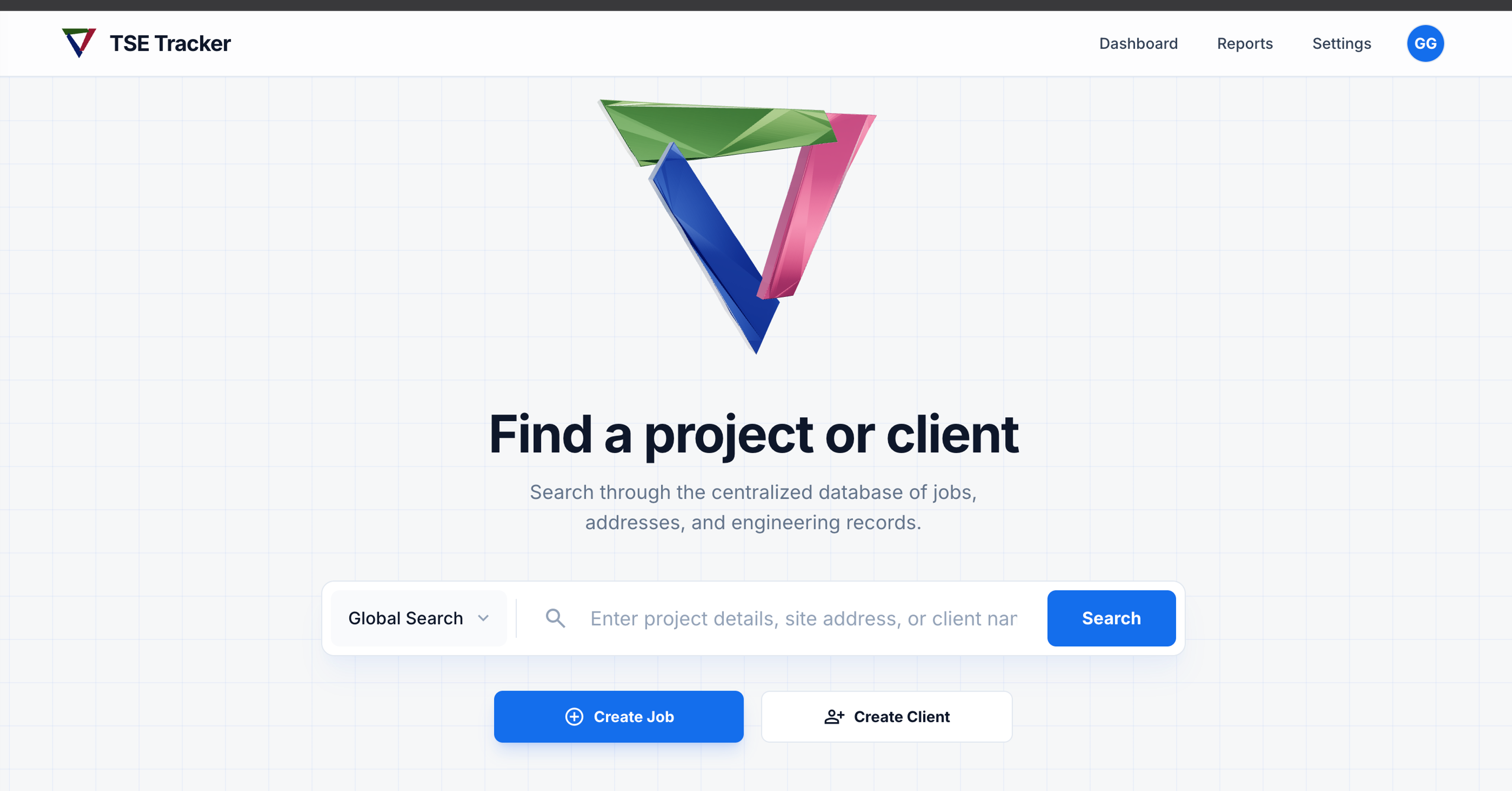
TSE Tracker
A job, invoicing and collections system for a civil engineering firm in Laredo, TX.
Role: Product owner and builder · Timeline: Dec 2025 – present · Built with: Claude Code, Cursor, Node.js, PostgreSQL
Result: 90% less time to create invoices, about 15 hours a week back in the billing cycle
The problem
Terra South Engineering is a civil engineering firm in Laredo. It ran its jobs and billing through a Microsoft Access database and a set of spreadsheets. Every invoice was built by hand, and every month someone pieced client statements together from several sources. The process worked, but only because the people running it knew all its workarounds.
Learning the work
Before building anything, I mapped how a job moves through the office, from the first request through field visits, invoicing and payment. I learned which steps each client is billed for, how prices differ from client to client, and what the old statements looked like and why. Much of what the new system needed came from details nobody had written down, like job numbers clients still referenced from years back.
What I built
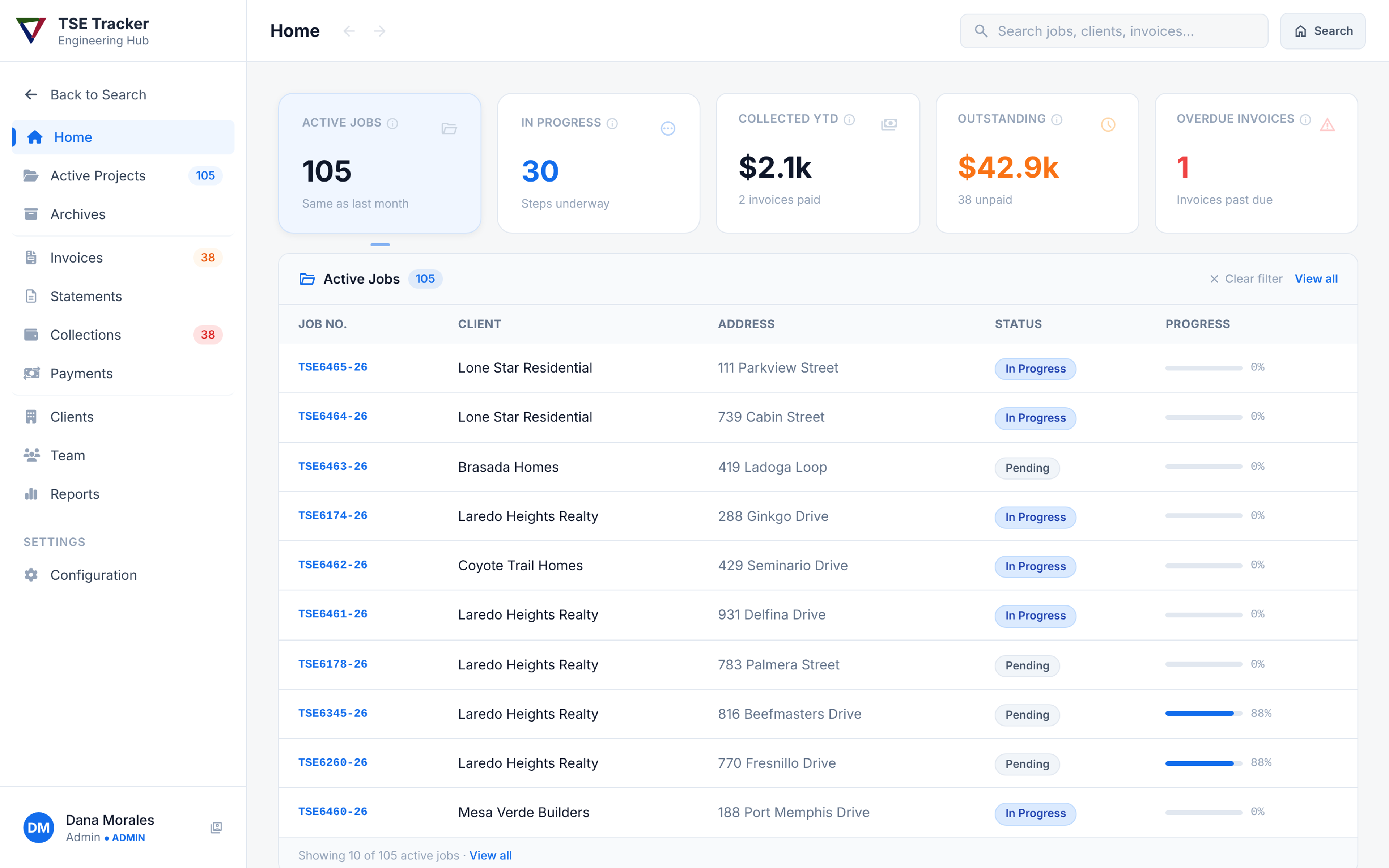
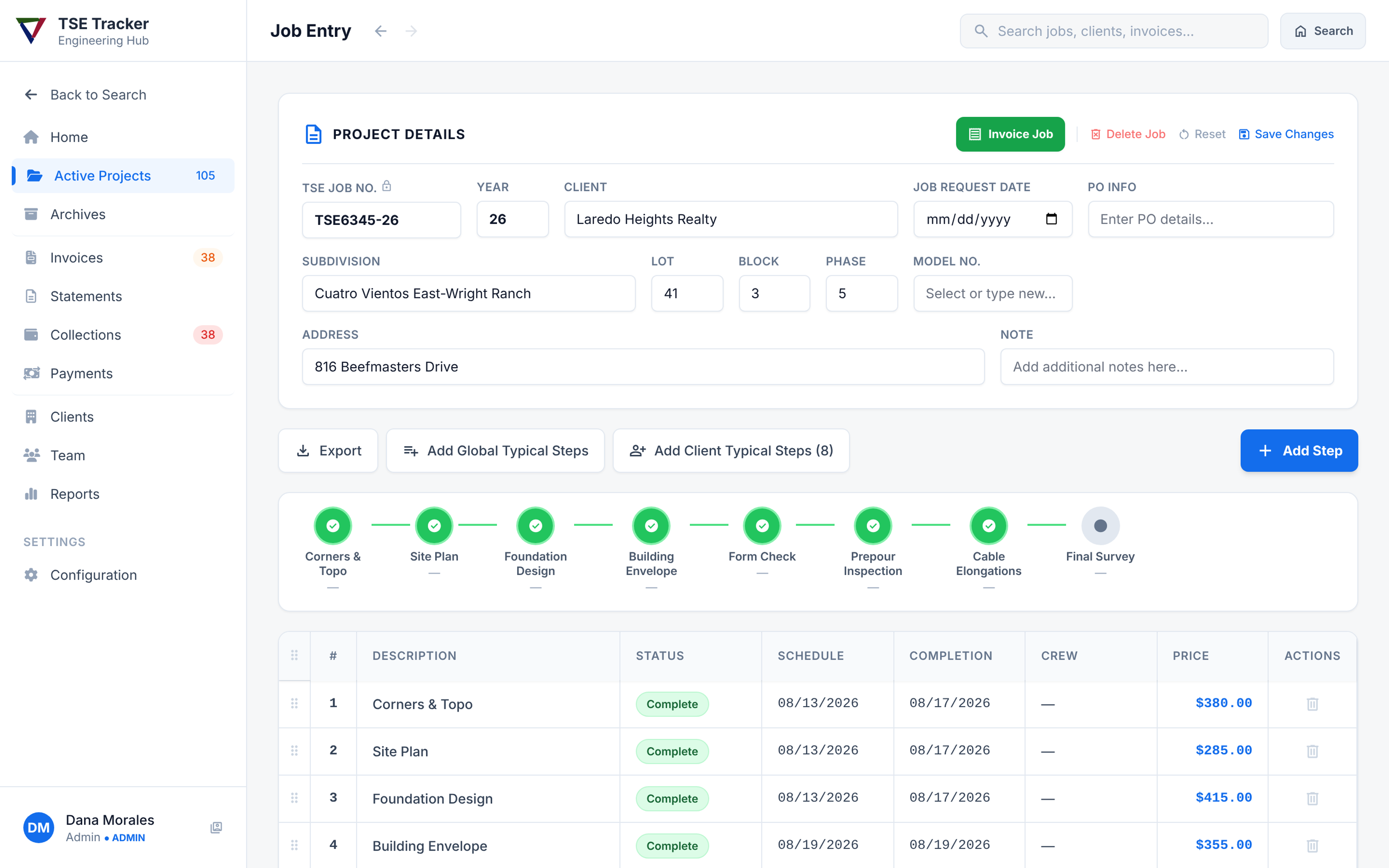
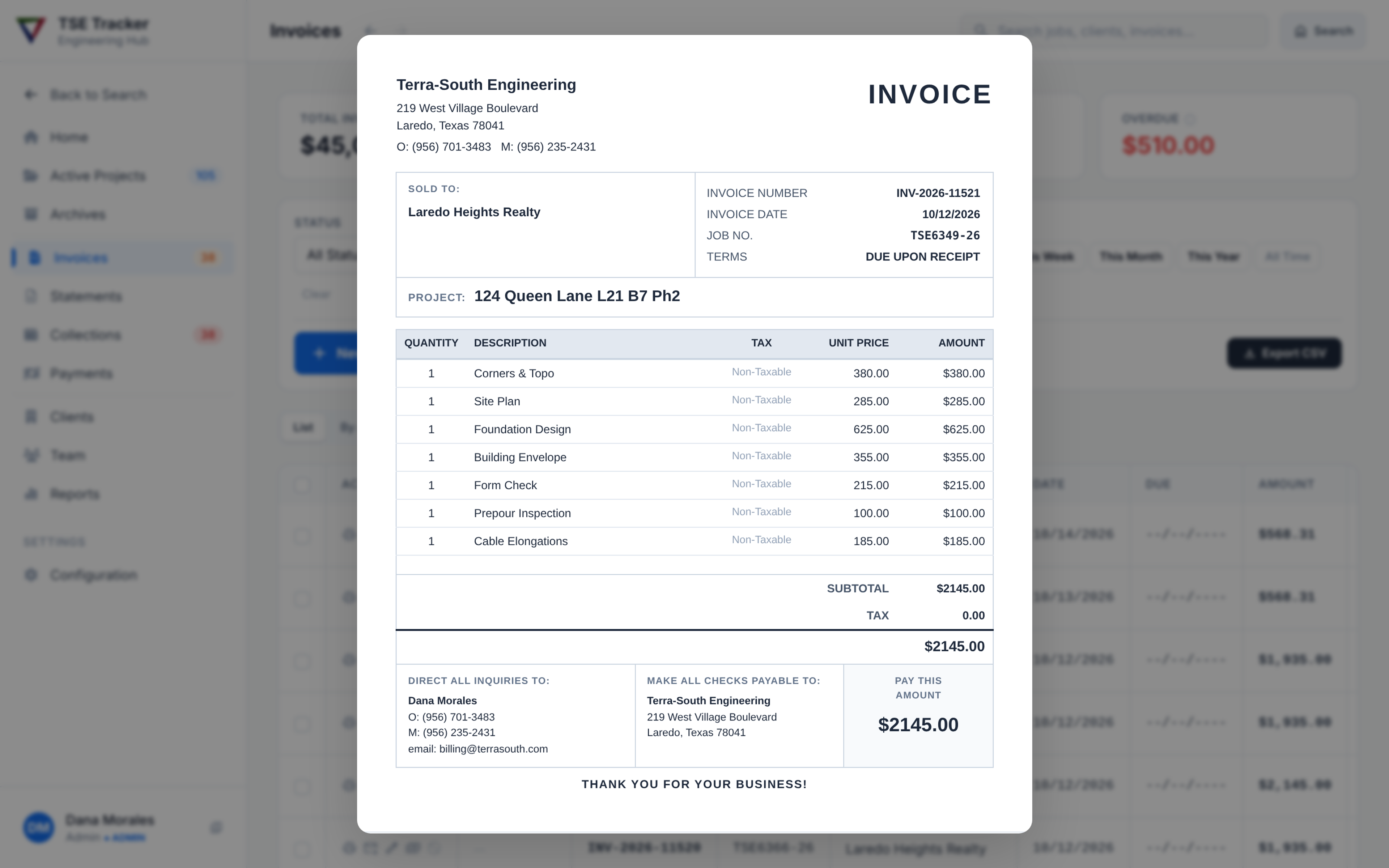
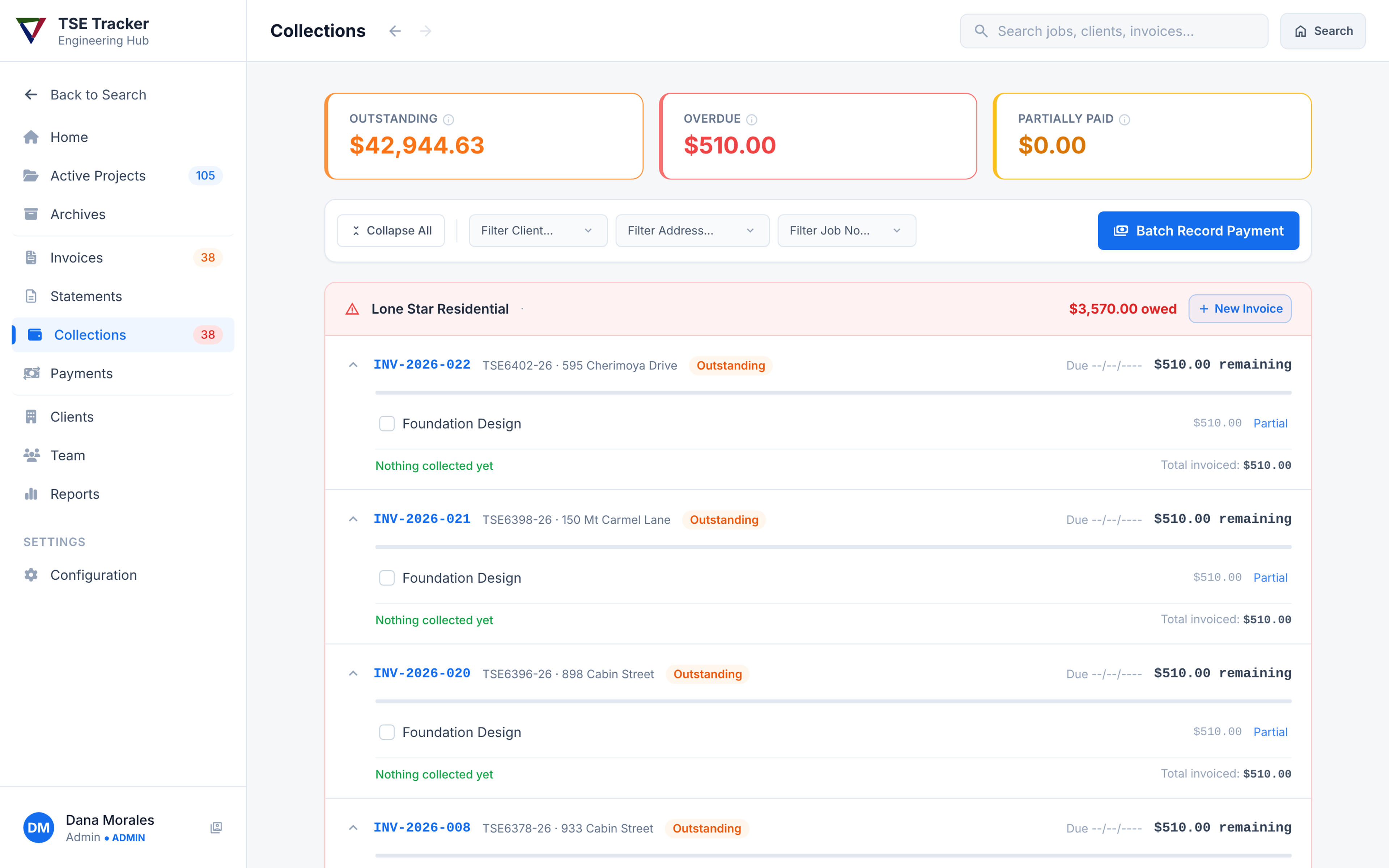
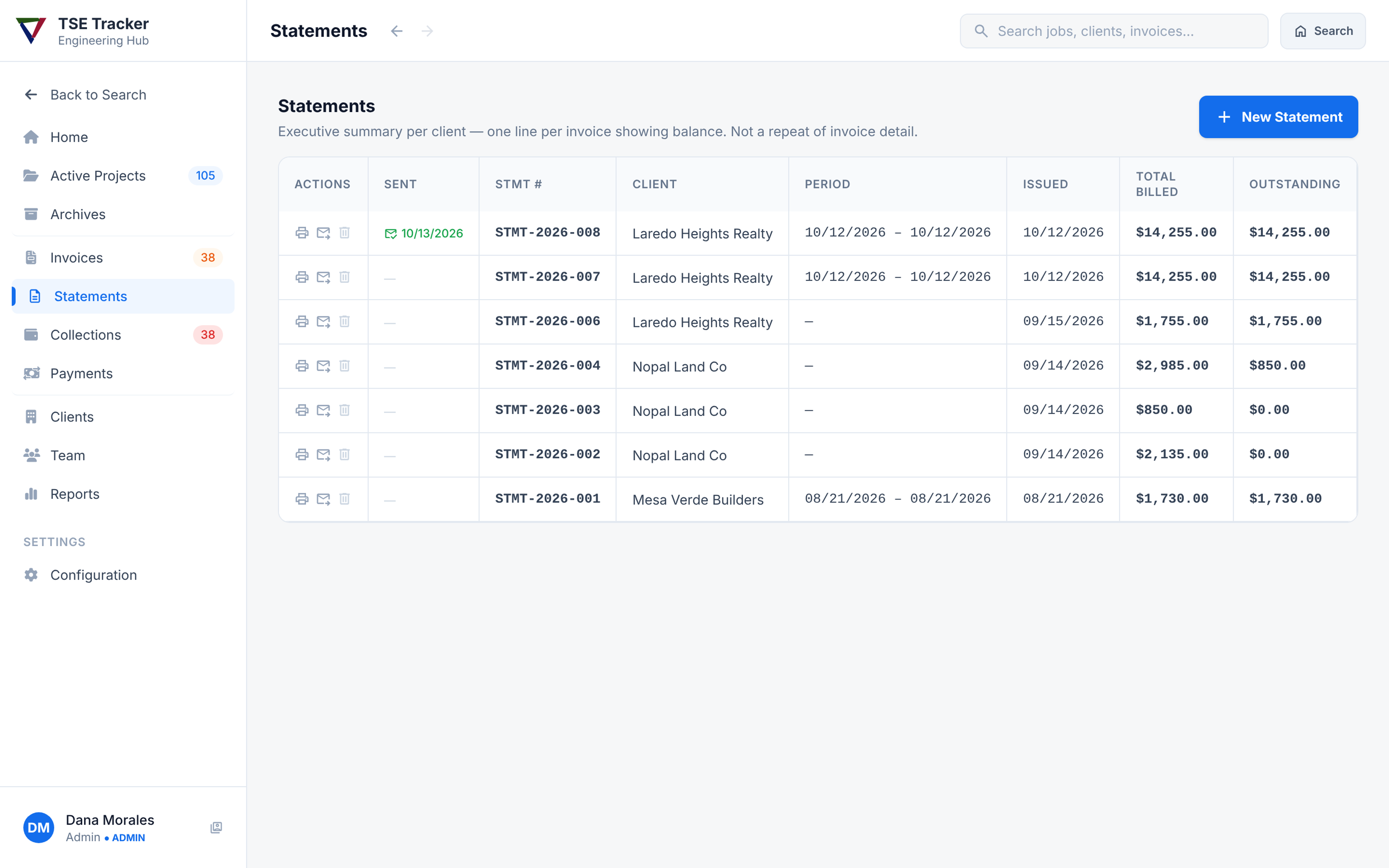
A single system that tracks each job from request to final survey, bills its steps at the right price for each client, and produces statements and collections reports. Field crews see their own work. Billing staff see the money.
Decisions that mattered
- Statements built for how clients use them. Clients paste statements into Excel, so each statement is a clean table they can sort and total, with job summaries kept separate.
- Financial records can’t be deleted. An invoice can be cancelled, but it stays on record. A job with payments against it can’t be removed.
- Nothing breaks at the switch. Job and invoice numbers carry forward from the old system, so everything staff and clients already had on file still matches.
How it came together
I wrote the specs, then used Claude Code and Cursor to turn them into working software. I tested each piece with the office staff and refined it based on how they used it. About 35 automated test suites check billing and invoicing every time the code changes, so a new feature can’t quietly break the math.
Outcome
Invoice creation time cut 90%. Roughly 15 hours a week returned inside the billing cycle; replaced a Microsoft Access database and manual spreadsheets at an engineering business with $350K in revenue.
Want to talk through this project?
I can walk through the decisions, what the data said, and what I’d change next time.